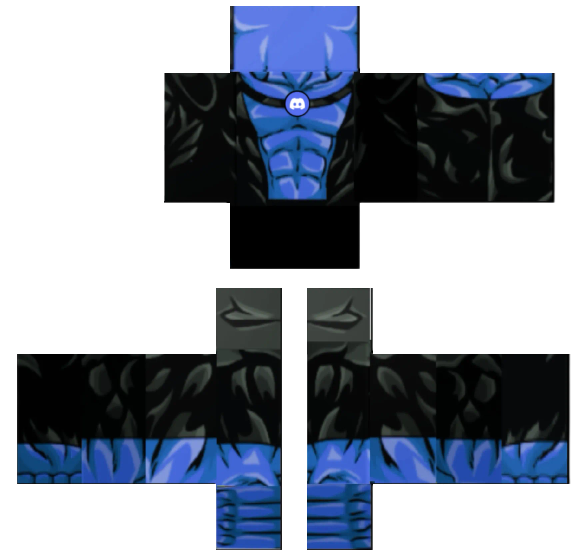

Cute preppy pink crop top witty blue jeans shirt
Girl₹265
⬇ 32.83K♥ 13.63K👁 57.74K
Advertisement
Upar diye Download button se PNG file download karo.
Roblox app ya website open karo aur Avatar settings mein jao.
Avatar → Customize → Classic Avatar select karo.
"Upload Custom Skin" pe click karo aur downloaded PNG file select karo.
Save karo — tumhara naya skin ab Roblox mein active hai!
Advertisement


